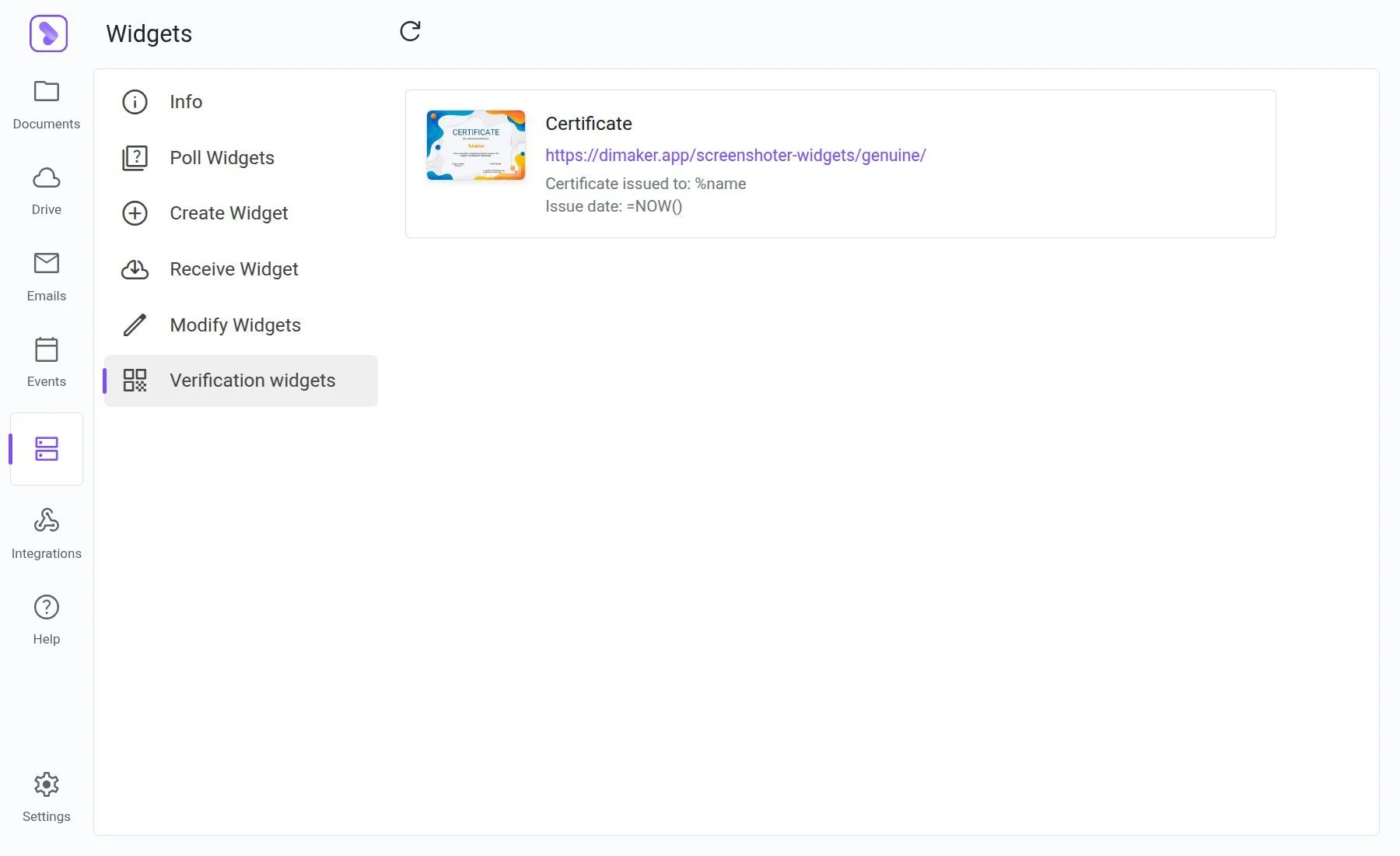
How it works
Just three steps, and anyone can instantly verify the authenticity of an issued diploma or certificate.
Add a label
Add a label to your diploma or certificate and customize the text.
Generate files
Every issued certificate automatically gets a unique QR code with a personalized link.
Scan the QR code
Anyone can scan the QR code and visit your website, where the widget will display the recipient's name, date, event title, and other details.
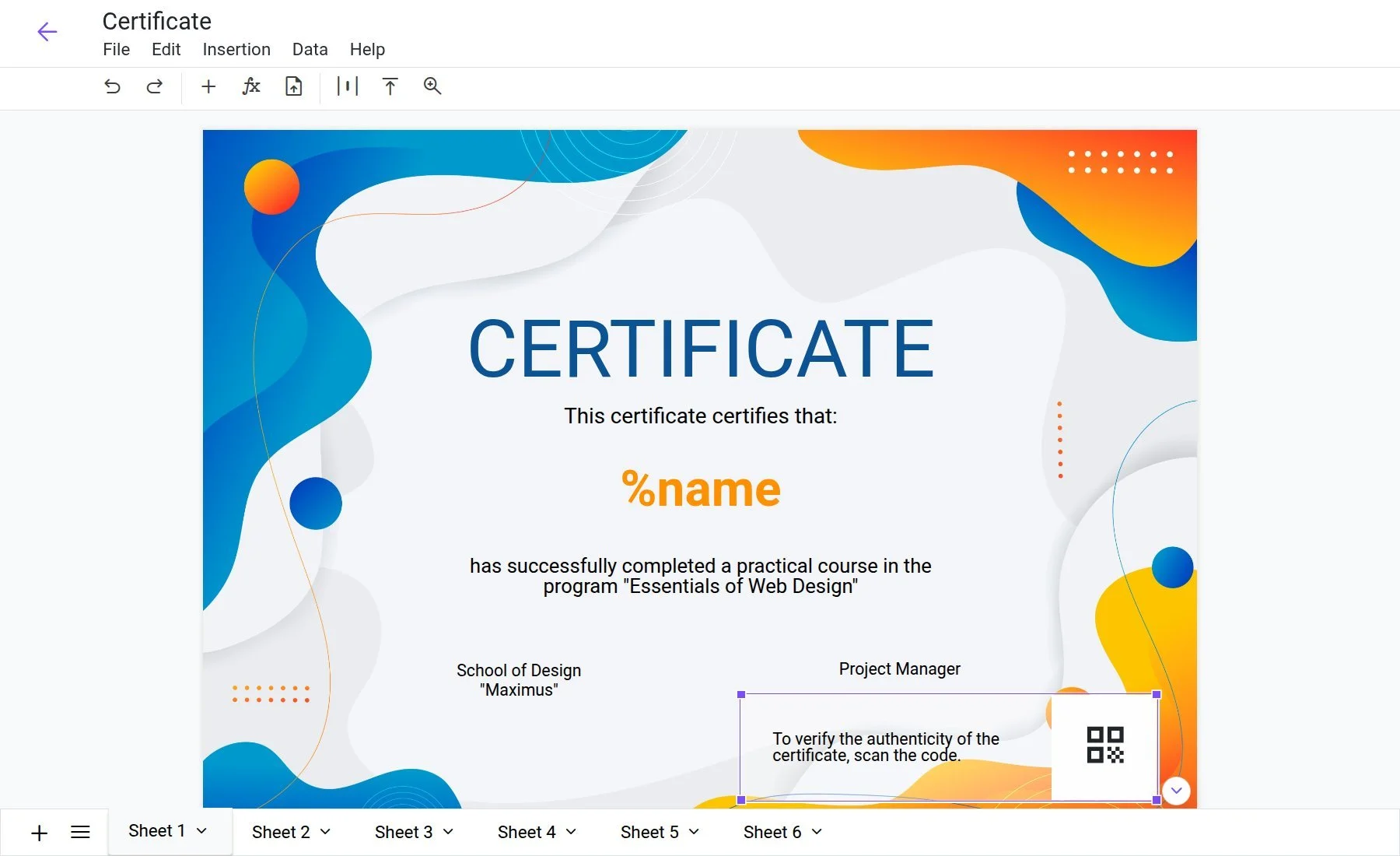
Adding a label
The label includes a dynamic QR code and instructions that you can customize.
Place it anywhere
Open the document, add the label, and drag it to the desired location. The QR code will be generated automatically for each file.
What the visitor sees
The page on your website displays a document thumbnail and the data specified in the label settings.
Personalized document details
Recipient's name, issue date, event — use any variables from the document. The more details you provide, the more reliable the verification.
Hosted on your website
Verification happens directly on your domain, adding an extra layer of trust and authenticity.
Your domain, your reputation
Visitors land on your organization's webpage. This builds much more trust than redirecting to a third-party service.
Unique QR code
Every document gets a unique link with a specific file ID, making it impossible to forge the data.
Included in your plan
Document verification is included at no extra charge and is available to all users.
Add verification to your documents
Open a document in the editor and add a verification label.
Open App